 CAM 01REC04:02 AM
Five Nights at Candy's
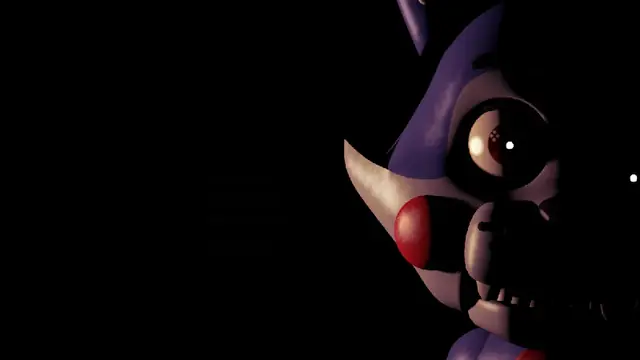
Five Nights at Candy's
Click to load the game
POWER ON... LOADING
Taking a while. Try Reload if nothing appears.
Tip: on a phone, rotate to landscape or tap Fullscreen for the best view.
Unofficial fan version Unofficial fan made browser version. Not affiliated with Scott Cawthon or Steel Wool Studios.
Five Nights at Candy's (FNaC 1) is the acclaimed 2015 FNAF fan game created by Emil Macko, placing you on the night shift at Candy's Burgers & Fries with three security doors, night vision cameras, and animatronics whose eyes glow in the dark.
| Original Title | Five Nights at Candy's |
|---|---|
| Original Creator | Emil Macko |
| Original Release Date | July 18, 2015 |
| Playhop Developer | Developer_Games_Super |
| Browser Version | Unofficial fan-made version on Playhop |
| Genre | FNAF fan game / Survival horror |
| Nights | 5 main nights, Night 6, and Custom Night |
| Setting | Candy's Burgers & Fries (1987) |
| Controls | Mouse click (PC) or tap (Mobile) |
About
Five Nights at Candy’s (FNaC 1) released on July 18, 2015, created by independent developer Emil Macko. Set in 1987 at Candy’s Burgers & Fries, a rival family restaurant opened after Freddy Fazbear’s Pizza closed, the game casts you as night guard Mary Schmidt surviving five tense shifts from 12 AM to 6 AM.
Widely praised for its crisp 3D animation, clever twists on the original FNAF 1 office formula, and original cast of mascots, Five Nights at Candy’s helped set the gold standard for FNAF fan games and earned Emil Macko a spot in Scott Cawthon’s Fazbear Fanverse Initiative.
How to Play
Your office has three defensive barriers: a left door, a right door, and a wide front window with a retractable metal shutter. There are no hallway light buttons. Instead, you watch the dark doorways directly for glowing white eyes and listen closely for footsteps.
Your security monitor also features an infrared (Night Vision) toggle. Clicking a selected camera feed a second time switches infrared mode on so you can check dark hallways like CAM-04 and CAM-06 directly across from your doors. Above your main Power Meter, three reserve power indicators track each closed door, draining energy faster the longer a barrier stays shut.
Controls
| Action | PC Controls | Mobile / Touch |
|---|---|---|
| Pan office view left / right | Move mouse left or right | Swipe or tap left / right side |
| Open / close left or right door | Click door control button | Tap door control button |
| Close / open front window shutter | Click window shutter button | Tap window shutter button |
| Open / close security camera monitor | Hover over bottom bar | Tap bottom bar |
| Switch camera feeds | Click camera number (Cam 01 to Cam 12) | Tap camera button |
| Toggle Night Vision on current camera | Click Night Vision / double-tap feed | Tap Night Vision toggle |
Tips to Survive
Night 1 and Night 2
Night 1 introduces Candy the Cat and Cindy the Cat. Keep your power high by leaving all three doors open until you hear a footstep and see glowing white eyes staring from the left or right doorway. Shut that door, wait for the retreating footstep sound, and open it right away. On Night 2, Chester the Chimpanzee and Blank join the shift; start checking Cam 11 periodically so Blank never catches your front window unguarded.
Night 3 and Night 4
The Penguin and Old Candy ramp up the pressure on Nights 3 and 4. Listen for the Penguin’s distinct whirring sound near the right door so he cannot sneak in and lock your doors open. Because Old Candy has no glowing eyes, check the left hallway cameras using brief bursts of Night Vision and watch for his faint dark silhouette at the left doorway.
Night 5 and Night 6
Night 5 activates The Rat, the fastest and most dangerous threat in the restaurant. Just like Old Candy, the Rat does not have glowing eyes in the dark, so rely on audio footsteps plus quick Night Vision sweeps on the cameras near your office. Never spam Night Vision on Cam 05 when Blank is standing right in front of the lens, as provoking him sends him straight at your window. Keep your door closures brief so you reach 6 AM with power to spare.
Characters
- Candy the Cat: The blue cat mascot of Candy’s Burgers & Fries. Approaches from both the left and right doors with glowing white eyes.
- Cindy the Cat: Candy’s purple counterpart who shares his roaming routes and glowing eye tell.
- Chester the Chimpanzee: A banjo-playing chimp who approaches strictly from the left door.
- Blank: A pale, drawing-covered animatronic kept in the Drawing Room (Cam 11). Attacks directly through the front office window and must be blocked with the metal shutter.
- The Penguin: A small waiter animatronic who sneaks in from the right door to sabotage your door buttons.
- Old Candy: A damaged earlier model of Candy without glowing eyes who stalks the left door.
- The Rat: The primary antagonist of later nights, moving quickly without glowing eyes and requiring Night Vision tracking.
Is This the Official Game?
No. Five Nights at Candy’s is a fan game originally created by Emil Macko, and the playable version on FNAF Nights is an unofficial fan-made version on Playhop. FNAF Nights is not affiliated with Emil Macko, Scott Cawthon, or Steel Wool Studios.
To play the creator’s official desktop build (including the updated Five Nights at Candy’s Remastered with upgraded visuals and extras), download it directly for free from Emil Macko’s official Game Jolt page. Official mainline Five Nights at Freddy’s games are available on Steam, mobile, and consoles.
Similar Games
Enjoyed Emil Macko’s take on classic office survival? Play these next:
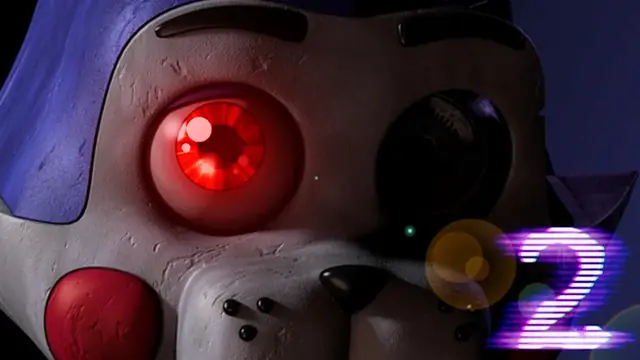
- Five Nights at Candy’s 2: Emil Macko’s sequel set in the Rowboatics Corp. factory with Withered animatronics and phone lures.
- Five Nights at Freddy’s: The 2014 Scott Cawthon classic that inspired Five Nights at Candy’s.
- Five Nights at Freddy’s 2: Another 1987 restaurant setting packed with Toy and Withered animatronics.
Who created Five Nights at Candy's?
Five Nights at Candy's was created by independent developer Emil Macko and first released on July 18, 2015. It is one of the best-known Five Nights at Freddy's fan games and was later selected by Scott Cawthon for the official Fazbear Fanverse Initiative.
How do you see animatronics at the office doors in FNaC 1?
Unlike FNAF 1, Five Nights at Candy's has no hallway lights beside the doors. Instead, most animatronics (Candy, Cindy, Chester, and the Penguin) show glowing white pinprick eyes in the dark doorway when they arrive. Old Candy and the Rat lack glowing eyes and must be tracked with Night Vision.
How does Night Vision work in Five Nights at Candy's?
While viewing a security camera, double-click (or click the night vision toggle) on the feed to turn Night Vision on. It brightens the dark room so you can spot Old Candy and the Rat, though it uses extra power and can provoke Blank if used carelessly on Cam 05.
How do you stop Blank from smashing the office window?
Watch Blank on Cam 11 (Drawing Room) and track his movement toward the office window. When Blank leaves his spot and heads toward your front window, pull down the front metal shutter door immediately to block his strike before opening it again once he resets.
What does the Penguin do in Five Nights at Candy's?
The Penguin approaches from the right door and does not jumpscare you directly. If you let him inside the office, he tampers with your door controls and leaves you defenseless against Candy, Cindy, and other lethal animatronics, similar to Balloon Boy in FNAF 2.
Is this browser version of Five Nights at Candy's official?
No. Five Nights at Candy's is a fan game originally created by Emil Macko, and this playable embed is an unofficial fan-made version on Playhop not affiliated with Emil Macko, Scott Cawthon, or Steel Wool Studios. You can download Emil Macko's official PC release and Remastered edition for free on Game Jolt.
Camera feeds
Related Games
- CAM 01REC04:02 AM
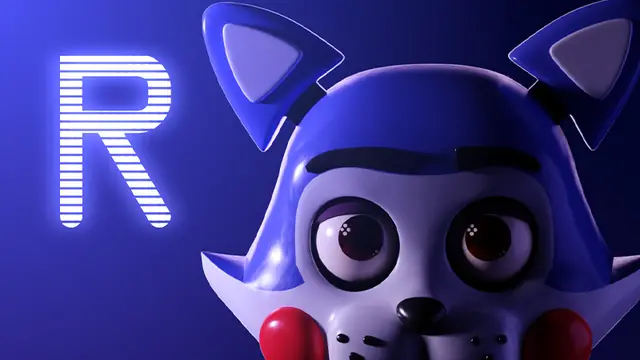 CAM 02REC02:22 AM
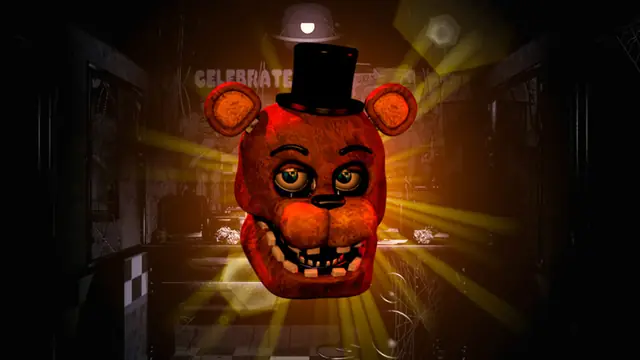 CAM 03REC04:52 AM