 CAM 01REC04:52 AM
Five Nights at Freddy's 3D

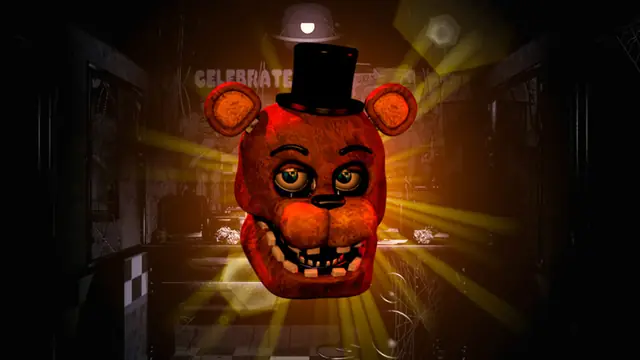
Five Nights at Freddy's 3D
Click to load the game
POWER ON... LOADING
Taking a while. Try Reload if nothing appears.
Tip: on a phone, rotate to landscape or tap Fullscreen for the best view.
Unofficial fan version Unofficial fan made browser version. Not affiliated with Scott Cawthon or Steel Wool Studios.
Five Nights at Freddy's 3D is an unofficial fan-made browser horror game on Playhop that lets you explore an expanded 3D version of the FNAF 1 pizzeria, complete missions, solve puzzles, hide from reactive animatronics, and unlock multiple endings.
| Playhop Title | Five Nights at Freddy's 3D |
|---|---|
| Inspired By | Five Nights at Freddy's (Scott Cawthon, 2014) |
| Playhop Developer | COMEBACK Games |
| Browser Version | Unofficial fan-made version on Playhop |
| Genre | 3D first-person survival horror / free-roam simulator |
| Setting | Expanded 3D FNAF 1 pizzeria map |
| Core Mechanics | Free exploration, hiding, puzzle solving, camera checks, flashlight |
| Replay Value | Multiple endings shaped by player choices |
| Controls | Keyboard + Mouse (PC) or on-screen touch buttons (Mobile) |
About
Five Nights at Freddy’s 3D reimagines the claustrophobic pizzeria from Scott Cawthon’s 2014 classic as a full three-dimensional survival horror simulator on Playhop. Rather than watching grainy pre-rendered frames from a single desk, you step directly into the dark corridors, dining halls, and side rooms of an expanded FNAF 1 map.
Combining free-roam exploration with puzzle solving and stealth, the game asks you to investigate pizzeria zones, complete missions, and stay out of sight while animatronics actively respond to your movements. Your choices throughout the building lead to multiple endings, giving the familiar restaurant a fresh, unpredictable edge.
How to Play
Surviving Five Nights at Freddy’s 3D requires balancing exploration with situational awareness:
- Explore the 3D Pizzeria: Walk through the expanded FNAF 1 layout to locate mission objectives, puzzle items, and safe hiding spots.
- Interact and Solve Puzzles: Approach interactive switches, doors, and props and press E (or tap the on-screen interact button) to progress your current task.
- Manage Your Flashlight: Press F to illuminate pitch-black corridors and spot threats ahead, while turning it off when you need to stay discreet.
- Use Cameras Carefully: When checking security feeds, press ESC to exit the camera view quickly if you hear footsteps drawing near.
- Hide and Evade: Because the animatronics react dynamically to your actions, break line of sight and use hiding spots whenever a mascot closes in.
Controls
Five Nights at Freddy’s 3D supports both PC keyboard-and-mouse setups and mobile touchscreen controls.
| Action | PC Controls | Mobile / Touch |
|---|---|---|
| Move through the pizzeria | Movement keys + Mouse look | On-screen movement / camera controls |
| Interact with objects | E | Tap on-screen Interact button |
| Toggle flashlight | F | Tap on-screen Flashlight button |
| Turn off / exit cameras | ESC | Tap ESC button (lower-right corner) |
Tips to Survive
Memorize Escape Routes Before Triggering Objectives
Before interacting with noisy machinery or puzzle switches, glance behind you to spot the nearest doorway, hallway loop, or hiding place. Knowing where to retreat saves vital seconds when an animatronic investigates your location.
Keep Your Finger Near ESC on Cameras
Cameras give you valuable information about where threats are patrolling, but lingering on the monitor makes you an easy target. Take a fast look, note which corridor is clear, and hit ESC right away to regain full first-person control.
Use Your Flashlight with Intention
Dark hallways make it tempting to leave your flashlight (F) shining nonstop, yet toggling it off while tucked into a corner helps you stay low-profile and read approaching shadows and audio cues more clearly.
Replay to Find Other Endings
Because your decisions shape how the story resolves, pay attention to alternate rooms, optional clues, and side interactions you might have skipped on your first successful escape.
Learn How Reactive AI Responds to Noise and Sight
Unlike classic stationary FNAF games where animatronics follow fixed camera timers, the robots in Five Nights at Freddy’s 3D react directly to what you do inside the pizzeria. Running carelessly across open dining areas or shining your flashlight straight down a bright corridor makes it much easier for a patrolling mascot to lock onto your position. Move deliberately from cover to cover, pause at corners to listen for heavy footsteps, and use hiding spots whenever an animatronic enters your wing.
Pace Your Mission Objectives Safely
Do not try to rush multiple puzzle steps in one reckless sprint. Complete one objective, verify your surroundings, and use nearby rooms to break line of sight if you hear movement nearby. Treating the expanded FNAF 1 map like a connected stealth arena lets you explore every dark corner calmly while working toward each ending.
Characters
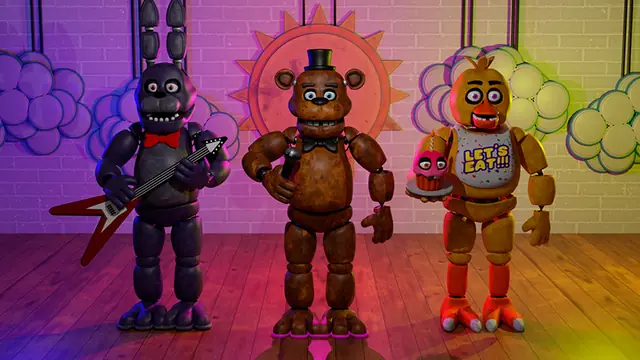
- Classic FNAF Animatronics: Familiar pizzeria mascots patrol the expanded 3D map with reactive AI that responds to your movements and actions, turning every corridor intersection into a tense stealth encounter.
Is This the Official Game?
No. Five Nights at Freddy’s 3D is an unofficial fan-made browser game on Playhop and is not affiliated with or endorsed by Scott Cawthon or Steel Wool Studios. While it builds a 3D free-roam experience around the classic FNAF 1 setting, it is an independent community project.
Official Five Nights at Freddy’s releases, including 3D entries like Five Nights at Freddy’s: Help Wanted and Five Nights at Freddy’s: Security Breach, are available on Steam, PlayStation, Xbox, Nintendo Switch, and mobile platforms.
Similar Games
If you enjoy exploring 3D corridors while evading FNAF animatronics, try these games next:
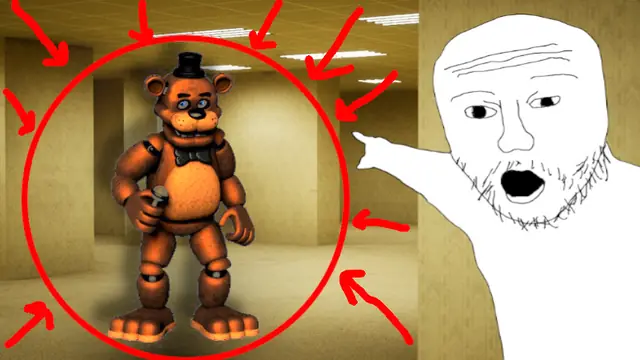
- FNAF: Freddy in the Backrooms: Dodge Freddy Fazbear, avoid bear traps, and hide in closets across a 3D yellow maze.
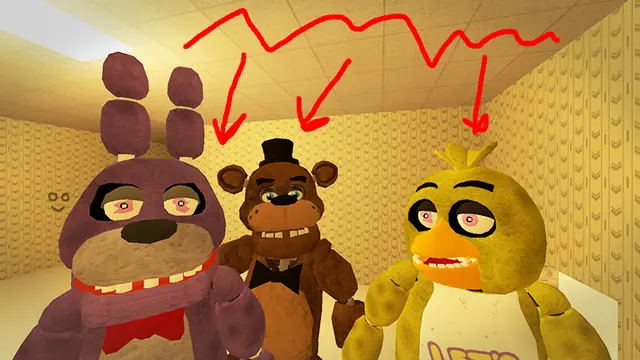
- The Backrooms: Animatronics FNAF: Collect Faz-Wrenches in 3D Backrooms corridors while evading Freddy, Bonnie, and Chica.
- Five Nights at Freddy’s Remaster: Return to the classic security-office perspective with refreshed visuals.
How is Five Nights at Freddy's 3D different from the original FNAF 1?
Instead of sitting locked in a single security chair behind flat camera screens, Five Nights at Freddy's 3D lets you move through an expanded 3D pizzeria map. You explore dark corridors, interact with objects, solve puzzles, hide from patrolling animatronics, and influence multiple endings through your choices.
What are the PC keyboard controls for Five Nights at Freddy's 3D?
On desktop, press E to interact with objects around the pizzeria, F to toggle your flashlight on and off, and ESC to exit or turn off the security camera view. Standard movement and mouse look let you navigate the 3D corridors smoothly.
Can you play Five Nights at Freddy's 3D on a phone or tablet?
Yes. The Playhop build includes dedicated mobile controls, with on-screen touch buttons for interacting with objects, toggling your flashlight, and an ESC button in the lower-right corner to close the camera feed.
Does Five Nights at Freddy's 3D have multiple endings?
Yes. Your decisions and mission progress across the pizzeria affect how the story concludes, giving you multiple endings to uncover across replay sessions.
How do the animatronics behave in Five Nights at Freddy's 3D?
The game features reactive animatronic AI that responds to your actions inside the building rather than following purely static camera loops. Staying quiet, managing your flashlight carefully, and hiding when an animatronic approaches are key to surviving.
Is Five Nights at Freddy's 3D an official Five Nights at Freddy's game?
No. Five Nights at Freddy's 3D is an unofficial fan-made browser game on Playhop and is not affiliated with Scott Cawthon or Steel Wool Studios. Official 3D FNAF games such as Five Nights at Freddy's: Help Wanted and Security Breach are sold on Steam and consoles.
Camera feeds
Related Games
- CAM 01REC04:52 AM
 CAM 02REC04:19 AM
 CAM 03REC04:14 AM